fastest macroS for fortnite.
PC ONLY!
SELECT YOUR PRODUCT
★ mOST POPULAR
In Stock
$15
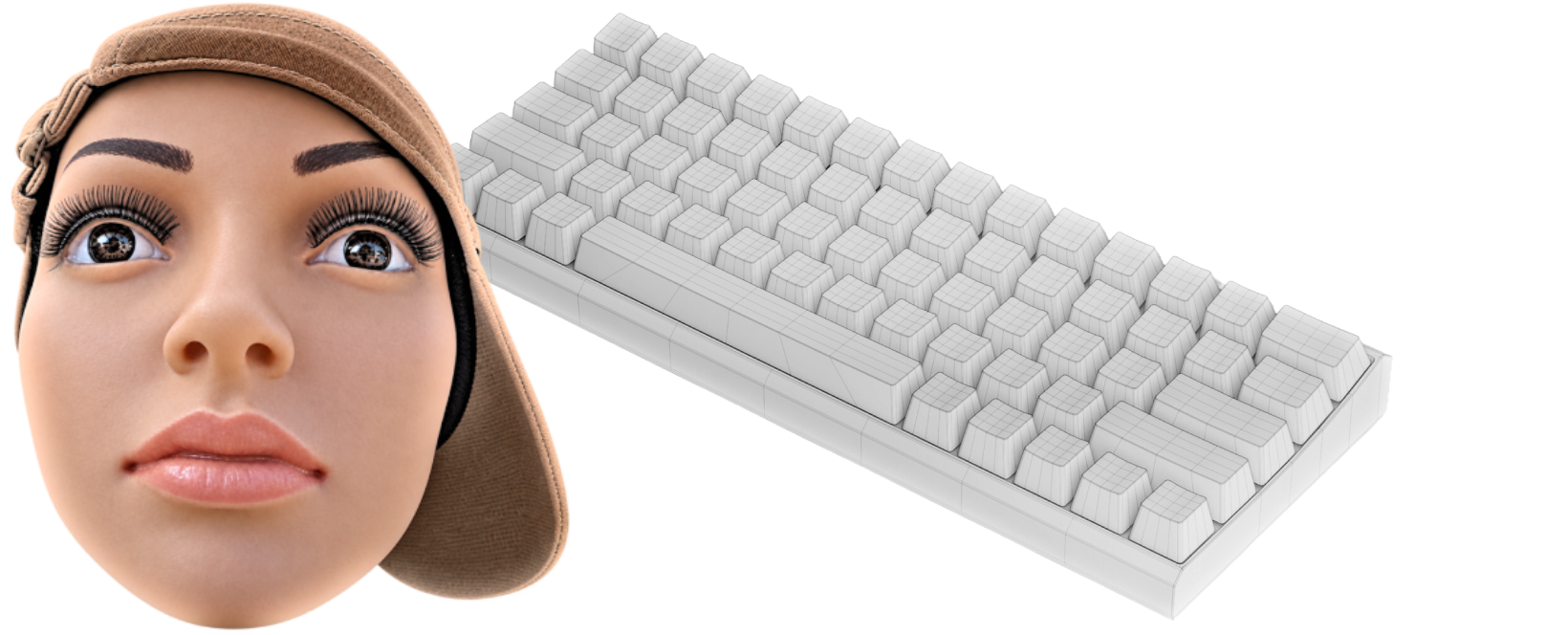
KEYBOARD MACRO
WORKS WITH ANY KEYBOARD.
- DOUBLE EDIT MACRO with sprint and shotgun pull out. (Wall, Floor, Ramp, Cone)
- DRAG EDIT MACRO. with hardware-level timing accuracy
- AUTO BUILDS with hold or tap options. for binds & sensitivities
- PREFIRE MACRO. with free future updates
- ACTUATION POINT AND RAPID TRIGGER immediately after checkout
Instant App Download & License Key on Screen + Email
Coming Soon
$15
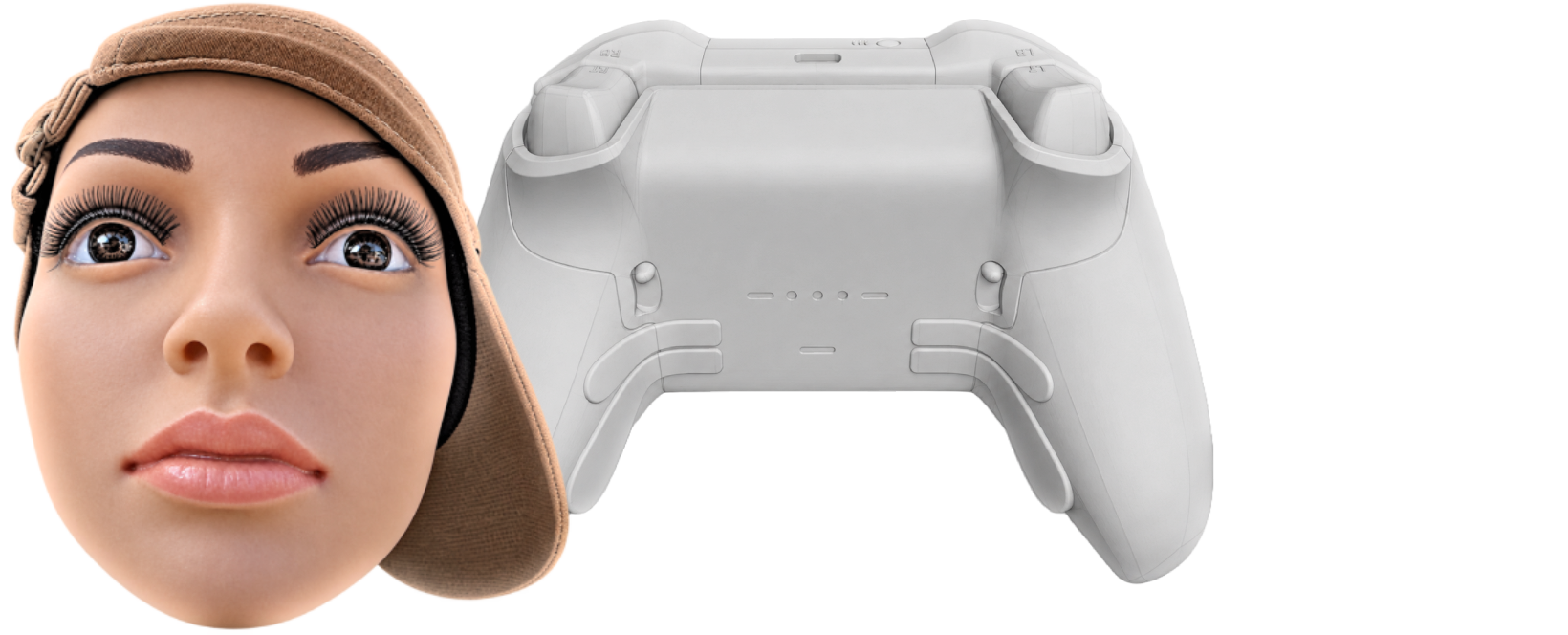
CONTROLLER MACRO
WORKS WITH ANY CONTROLLER.
- CONTROLLER MACROS
- MORE AIM ASSIST
- OVERCLOCK THE CONTROLLER
Coming Soon
$10

PC TWEAKS
ONLY WINDOWS.
- BIOS OVERCLOCK
-
CPU/ GPU OVERCLOCK
- SYSTEM OVERCLOCK
2I2 MACRO
DOUBLE EDIT MACRO WITH SPRINT PREVIEW.
Quick Setup
READY IN UNDER 2 MINUTES
1
Purchase License
After completing your purchase. activation key is shown immediately on-screen and emailed to you.
2
Download 2I2 MACRO
Download and run the detected macro you purchased). Paste your activation key once to activate.
3
Done.
Enjoy.
Common Questions
FREQUENTLY ASKED QUESTIONS
How and when do I get my activation key?
+
Immediately! As soon as your order completes on Checkout Page, your unique license key appears directly on your confirmation screen and is sent straight to your email receipt, along with your instant download link to get the 2I2 Macro app.
NOTE! Each purchase grants a permanent lifetime license locked to 1 PC hardware ID. If you upgrade components or get a new PC in the future, our support team can reset your hardware ID upon receipt verification.
Is this macro safe and undetected?
+
Yes. Unlike cheats or DLL injectors, 2I2 Macro does not touch game memory, read game code, or modify game files. It simply issues clean Windows keyboard inputs that emulate natural, human-like micro-timings.
Does this macro work on console?
+
Unfortunately, no. The macro only works on PC at the moment.
Can I change my keybinds and timings?
+
Absolutely. The 2I2 Macro companion software features a full visual configuration panel allowing you to assign any key for your edit, select, sprint, and fine-tune your delay in milliseconds.
Can I use any keyboard or controller?
+
Yes. The macro supports all keyboards and controller on PC.